Completely free
No subscription, hidden fees or paid loader activation.
Set up once. Work offline.
A free offline loader from the ECUTuneFiles team. Simple installation, unlimited computers, and local VR files — ready when you are.
Internet needed for setup only: ~9 GB of data.
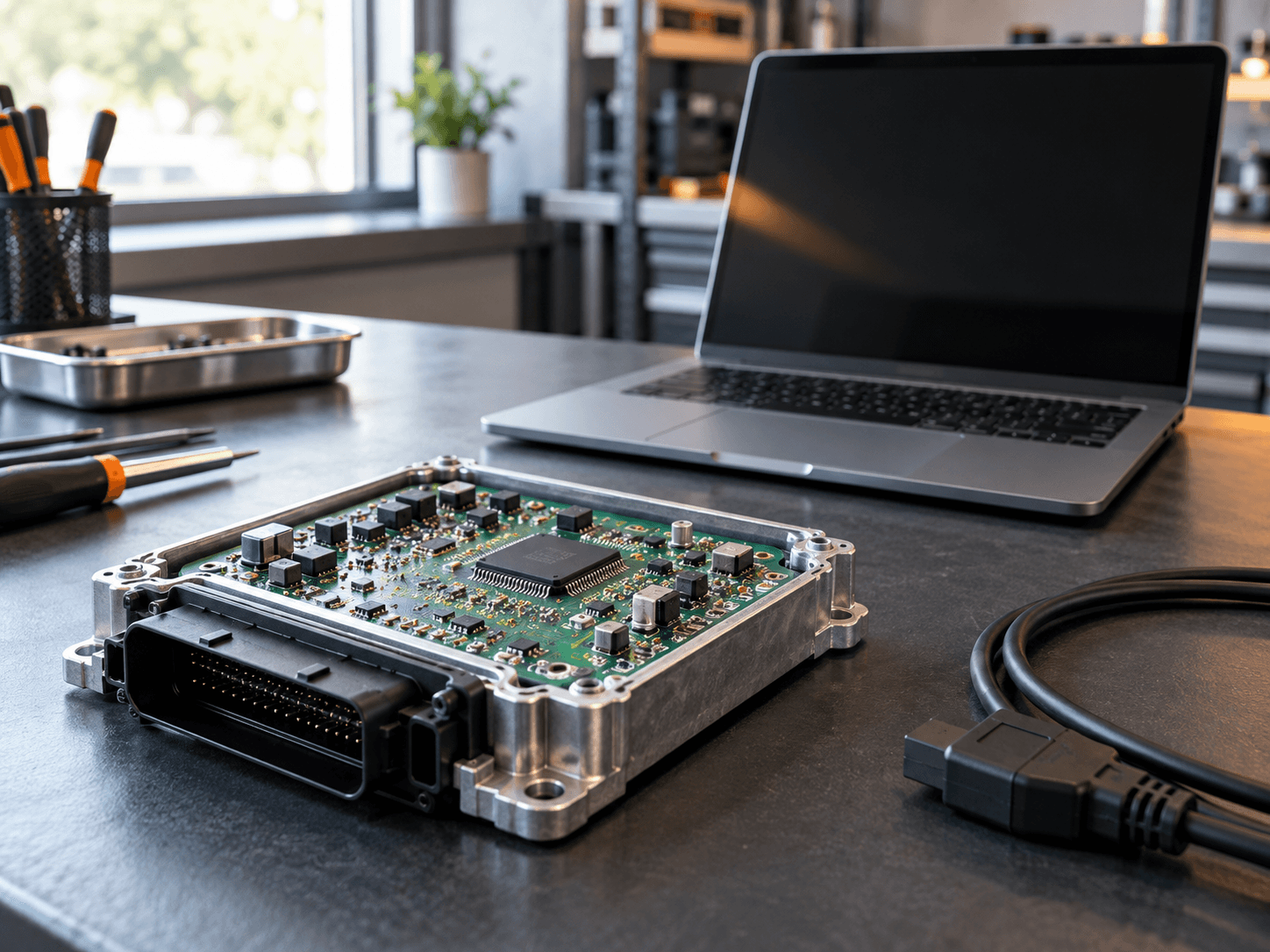 Workshop illustrationWork offline after setup
OFFLINE LOADER
ALL THE ESSENTIALS
Everything you need for a straightforward offline experience.
No subscription, hidden fees or paid loader activation.
Install on as many computers as you need.
Work without an internet connection once installed.
Run the installer and follow the automated setup.
Pick the installation folder that works for you.
Access the included supported VR files from your PC.
ONE SETUP. THEN YOU’RE FREE.
An internet connection gets you set up. After installation, use the software online or completely offline — it’s your choice.
See how to get startedSetup downloads approximately 9 GB of data.
No permanent connection. Updates are optional.
GET STARTED
Get the free installer. No account or payment needed.
Choose your folder and let setup download the files.
Internet required · ~9 GB of setup dataLaunch the software and work with or without internet.
THE TEAM BEHIND YOUR FREE LOADER

Need ECU or TCU tuning files? Discover our professional file service: upload your read, choose your service, and download your prepared file from our online portal.
Explore ECUTuneFiles A separate professional service from the team making this loader free.
A FEW USEFUL ANSWERS
The essentials about setup,
offline use and updates.
Yes. No subscription, hidden fees or paid loader activation. You can install it on as many PCs as you need.
During the initial installation, which downloads approximately 9 GB of setup data. After setup, you can work offline. Internet is optional for update checks.
Yes. Select your preferred folder or drive during setup.
Our loader does not change your Windows date or time, and does not check the FoxFlash serial number. This does not imply universal hardware compatibility.
Yes. The included Virtual Read database is stored on your PC. Supported files can be accessed offline; the database is not claimed to include every existing VR file.
The launcher can check for updates when internet is available. Updates, local VR additions and new protocols have no guaranteed schedule. Offline use does not require an update check.
No. It is an independent loader developed by the ECUTuneFiles.com team, without affiliation with or endorsement by the FoxFlash manufacturer.
Keep internet connected during setup and check the available space on your chosen drive. Visit ECUTuneFiles.com for the team’s contact options. Contact the team
100% FREE. ALWAYS YOUR CHOICE.
Your free FoxFlash offline installer is one click away.
Setup requires internet and ~9 GB of data.
This is not the installer file size.